
 The Kenya Revenue Authority (KRA) has rolled out a simplified, four-step guide to help taxpayers clear their dues through the iTax system using M-PESA.
According to instructions released by the tax authority on Tuesday, May 19, the process begins when a user logs into the official iTax portal using either their KRA PIN or National ID alongside their password. Once inside the platform, the taxpayer must initiate a payment registration by navigating directly to the payments section and selecting the payment registration option. From there, users click “Next” on the e-payment page to move to the configuration stage.
Next, the taxpayer fills in the specific details of their payment. This step requires selecting the correct tax head, such as Income Tax, VAT, or Excise Duty, along with the corresponding tax sub-head. To finalize this stage of the registration, users must choose their payment type from options like Self-Assessment Tax, Instalment Tax, or Advance Tax, and specify the relevant tax period.
Under the liability details section, taxpayers simply select the relevant record, click ‘Add’, and choose their preferred mode of payment.
To round up the final step, users submit these details to generate a payment registration slip, which they can then download or print to process the transaction. For those opting for mobile money, KRA directs taxpayers to use the official government Paybill number 222222, entering the generated payment registration number (PRN) as the account number.
Alternatively, taxpayers can present the printed slip at any partnered bank for processing. Once the system clears the payment, the transaction automatically reflects on the taxpayer’s iTax profile.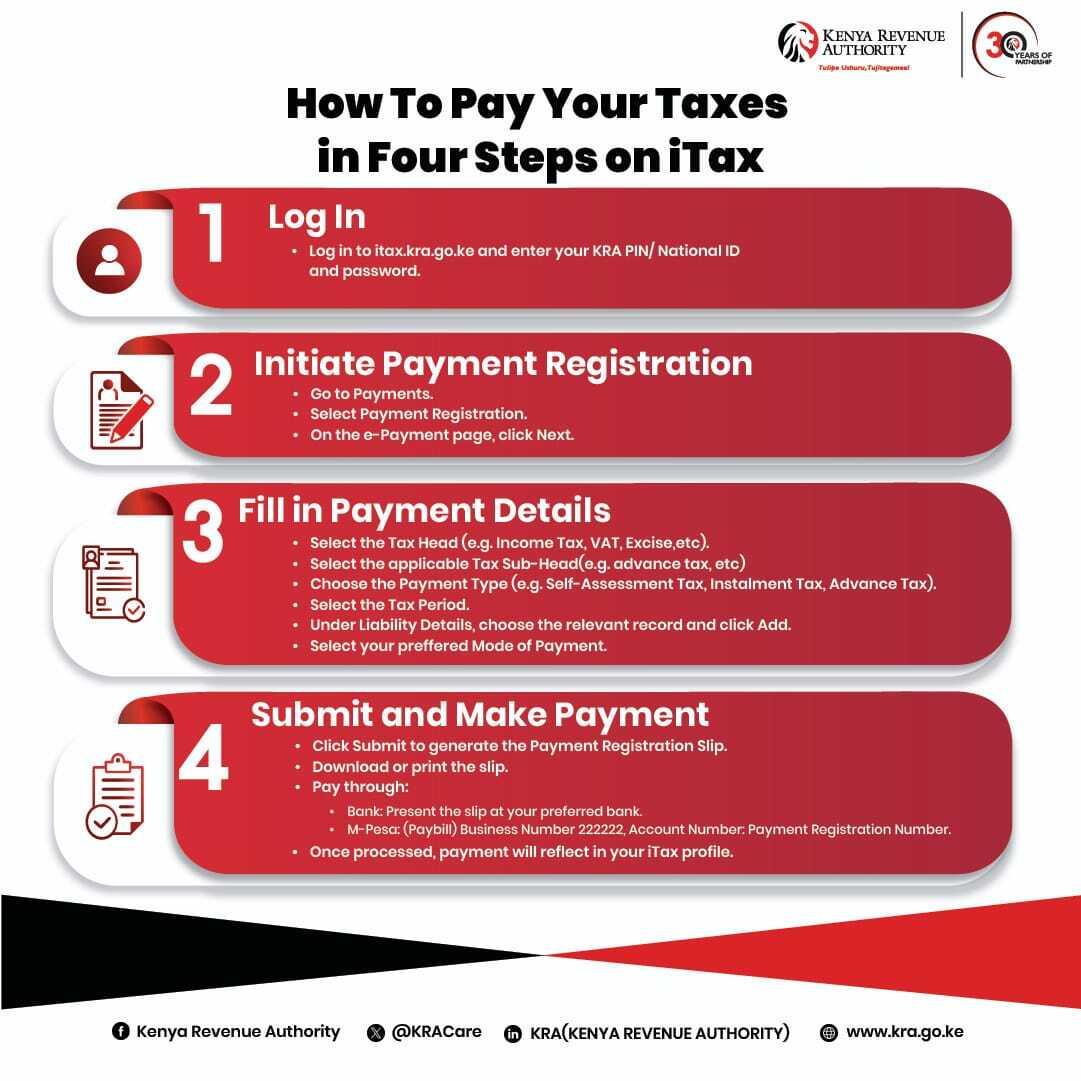
The post KRA Releases Simple Four-Step Guide to Pay Your Taxes via M-PESA on iTax appeared first on Bossnana.


